
Windows 11 File Explorer vs Windows 10 File Explorer
File Explorer is one of the most important parts of the Windows operating system. It is used daily for browsing folders, managing files, transferring documents, organizing media, and accessing system locations.
When Microsoft released Windows 11, File Explorer received a major redesign with a modern interface, simplified menus, and updated navigation controls. While some users appreciated the cleaner appearance, many others preferred the classic Windows 10 File Explorer because of its speed, familiarity, and productivity-focused layout.
The differences between Windows 11 File Explorer and Windows 10 File Explorer go beyond visual design. Both versions offer different workflows, navigation experiences, and customization options. This is one reason why many Windows 11 users search for tools like ExplorerPatcher to restore classic File Explorer functionality and improve usability.
Design and User Interface
One of the biggest differences between Windows 10 and Windows 11 File Explorer is the overall design.
Windows 10 File Explorer, on the other hand, focuses more on functionality and quick access to tools.
The ribbon menu contains clearly labeled buttons for copy, paste, rename, properties, sharing, and advanced file management actions. Many users prefer this design because commands are easier to locate and require fewer clicks.
For casual users, the Windows 11 design may appear cleaner and less overwhelming. However, power users and professionals often prefer the Windows 10 layout because it provides faster access to commonly used tools.
Context Menu Differences
Another major difference is the right-click context menu.
Windows 11 introduced a shorter and more simplified context menu. Common actions such as copy, paste, rename, and delete are displayed as icons at the top, while advanced options are hidden under the “Show More Options” button.
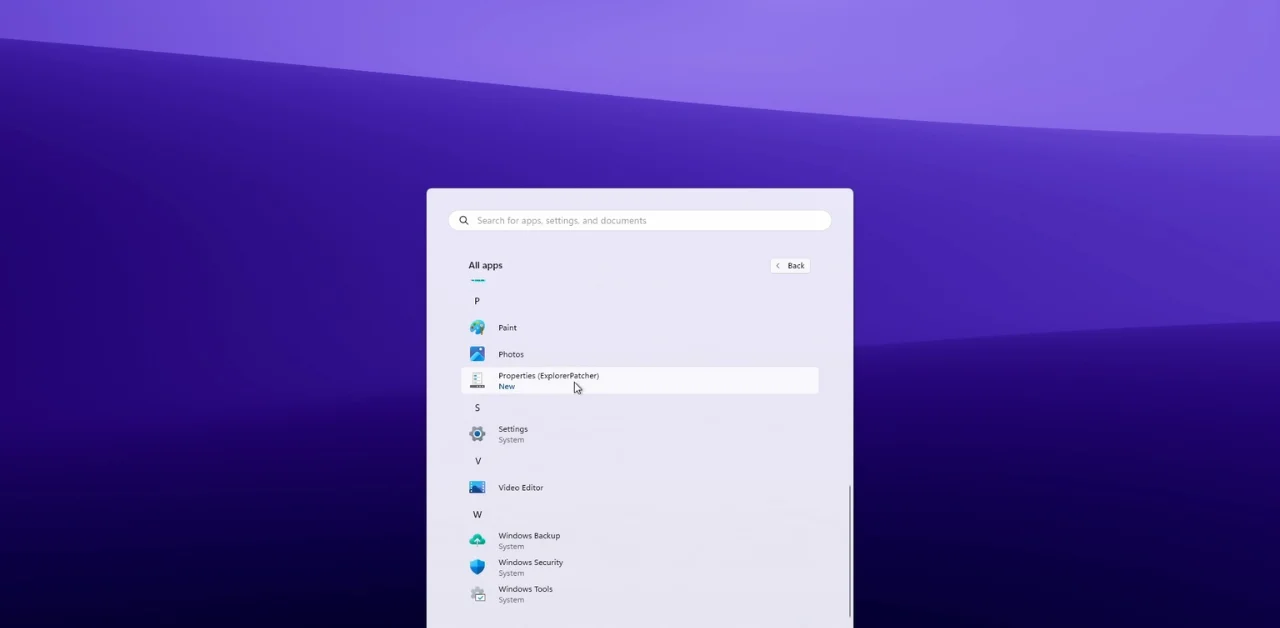
This difference is one of the main reasons many Windows 11 users install ExplorerPatcher to restore the classic context menu experience.
Navigation and Workflow
Windows 10 File Explorer is often considered more productivity-focused because of its familiar navigation structure and tool accessibility. The ribbon menu allows users to quickly access advanced settings, folder options, hidden items, sorting tools, and file operations without searching through multiple menus.
Windows 11 File Explorer simplifies navigation by reducing visible controls and emphasizing a cleaner interface. While this may help beginner users feel less overwhelmed, some experienced users believe it slows down workflow and makes advanced features harder to access.
Users who work with large numbers of files, directories, or professional workflows often prefer the Windows 10 layout because it feels more efficient and predictable.
Performance and Responsiveness
Performance is another area where users compare both versions of File Explorer.
Windows 11 File Explorer introduced visual animations, updated UI elements, and cloud integration improvements. However, some users report slower loading times and occasional interface lag compared to Windows 10, especially on older hardware.
Windows 10 File Explorer is generally viewed as faster and more responsive because of its simpler design and mature optimization. Folder navigation, right-click menus, and file operations often feel quicker and more stable for long-time users.
Although Microsoft continues improving Windows 11 performance through updates, some users still believe the Windows 10 version provides a smoother experience for heavy file management tasks.
Customization and Flexibility
Customization options also differ between the two versions.
Windows 10 File Explorer provides more visible settings and easier access to advanced options. Users can customize folder views, navigation panes, ribbon behavior, and hidden file settings more directly.
Windows 11 focuses more on simplicity and visual consistency. While it still supports many customization features, some settings are hidden deeper within menus or redesigned entirely.
Why Many Users Prefer the Windows 10 Experience
For many long-time Windows users, the Windows 10 File Explorer feels more familiar, efficient, and practical. The ribbon menu, full context menus, and productivity-focused layout make it easier to perform advanced file operations quickly.
The Windows 11 File Explorer, while visually modern, prioritizes simplicity over direct access to controls. Casual users may appreciate the cleaner appearance, but professionals and multitaskers often prefer the older design because it supports faster workflow management.
This preference is one of the main reasons ExplorerPatcher and similar customization tools became popular among Windows 11 users.
Conclusion
Windows 11 File Explorer and Windows 10 File Explorer represent two different design philosophies. Windows 11 focuses on a modern, simplified, and visually clean experience, while Windows 10 emphasizes productivity, accessibility, and faster access to advanced tools.
For users who value minimal design and simplicity, Windows 11 File Explorer may feel more modern and approachable. However, for users who prioritize efficiency, multitasking, and classic desktop workflows, the Windows 10 File Explorer often remains the preferred choice.
Customization tools like ExplorerPatcher help bridge the gap by restoring classic functionality while still allowing users to benefit from the security and performance improvements of Windows 11.